
Organizing Your Digital Estate
Estate planning can be tough. It’s hard (not just physically, but also emotionally) to look through all the things you’ve collected over the course of your life, take stock of them, and determine what you would like to pass on to others. Digital estate planning can be even more difficult.
You might not notice it right away, but think of how many important things are stored on various websites, online services, and other digital locations. Think of how many different accounts you have. Think of the sheer number of logins and passwords you keep track of.
With a lot of these services, such as online backups or online photo storage, you may not log into them regularly. They just quietly back up to the cloud or work away on their own. This can be helpful, but it can also cause you to forget that they even exist. When it comes time to log in, you might not be able to find your passwords. There might be sites that you signed up for years ago and you may not even remember them right away.
All of these potential roadblocks and issues illustrate the possible difficulties associated with digital estate planning. We live in an increasingly paperless world, so leaving your valuables to your loved one is no longer just about storing old photo albums and properly labeling document folders. There’s a lot more to it.
Preparing for Digital Estate Planning
Much like with any process, the first step in digital estate planning is preparation. You’ll need to actually think of all the accounts and online assets that you have. This can often be difficult, because it’s not like they’re sitting in front of your all the time. It’s easy to track your physical assets because you can see them all around you. You may have digital assets that you haven’t thought of in years.
Start by listing all your accounts. This includes social media profiles, online storage accounts, email accounts, online banking sites, investment accounts, cryptocurrency wallets, and anything else you use.
Create an inventory of all accounts, detailing the purpose of the account, the username, and where someone can find login information. This list needs to be kept updated.
How to Handle It
You will need to specifically include information on your digital accounts in your will. Not only should you list the accounts (but not the passwords) in your will, you’ll also need to grant your executor legal authority to manage your accounts.
If you are granting legal authority of your accounts to a different person or people, you’ll need to explicitly state this in your will. It’s also a good idea to spell out specific instructions for how you want your accounts handled. For instance, do you want someone to take over control of your online photos or would you just like them to download the photos and close the account?
Being explicit with your wishes is important. It prevents confusion after you’re gone and keeps your loved ones from dealing with the aftermath.
If you have assets with monetary value (such as cryptocurrency accounts), you will need to state what should happen to these assets, just like you would with other financial assets.
There are also other potential assets with financial value. For instance, if you own a website or YouTube account that earns money from ad revenue, you’ll need to stipulate what should happen to this account. Think about rewards plans and other loyalty programs as well. If you’ve collected points on a reward program, what will happen to these points? Different programs will have different terms and conditions. Some will automatically expire when you die, but others will let you transfer the assets to another person. Look into how your accounts handle this process and then decide what you would like to do.
Know that, in many cases, you’ll need to do more than just give someone the password to your accounts. In fact, sharing passwords is against the terms of service of most providers, so doing so could get your account locked or deleted. Dealing with passwords can add a lot of difficulty to digital estate planning, especially if you don’t do it right.

Dealing with Passwords
A potentially sensitive situation arises when it comes to passwords. Ideally, you’ll want to leave your loved ones with a way to access digital photos, cryptocurrencies, and other online assets. However, many aspects of your digital life are just for you. For instance, you may want your children to be able to access your photos, but do you also want them to be able to read all your emails? This is a personal decision, and each person will have a different view. In today’s connected world, however, your email account could be connected to your online storage, so giving access to one means giving access to the other. You’ll have to think about whether this is something you want.
There are also logistical concerns. Say you store your passwords in a secure location and let your loved ones know of that location in your will. However, you’ve likely written that document years before it’s needed. What if you forget a password and need to change it? What if your account is hacked and you need to revise things to keep to safe? You’ll need to update that document.
Multi-factor authentication is something you need to be aware of as well. It’s a great way to protect your accounts, but it means you’ll need to do a bit more than just leave a list of passwords behind.
Instead of sharing a list of passwords, look into using a password manager. These services can store several passwords all in a single account, meaning you’ll only need to give access to one account rather than dozens. This is often a smart path to take, as many password managers have a specific function dedicated to sharing access with other users.
Legacy Accounts and Memorialization Options
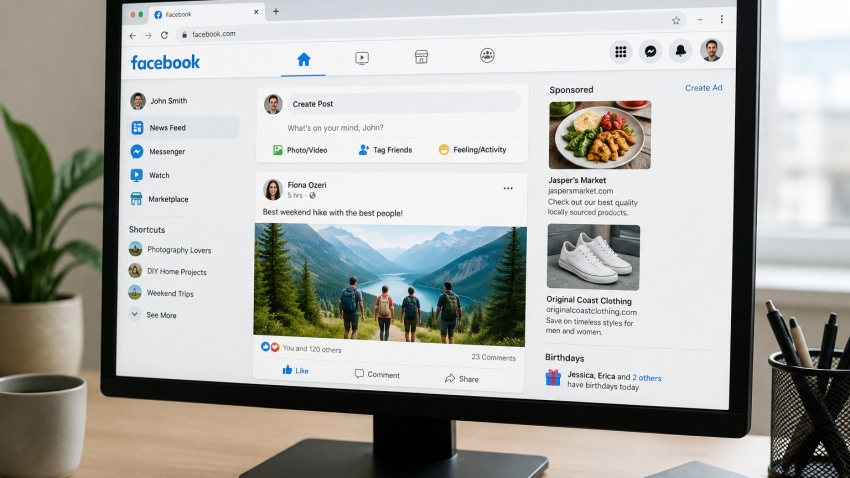
For social media accounts, many services now offer memorialization options. For instance, Facebook lets you assign a legacy contact who can handle your account if you pass away. They’ll be given the option to announce your death through your profile and will be able to make future decisions about your page. If desired, they can either shut down your account or turn it into a memorial page. If you do not designate a legacy contact, Facebook requires a copy of the death certificate and documentation providing authority to memorialize the account. The same is true for many other social media platforms.
Google and Apple have similar features, known as Inactive Account Manager and Digital Leacy, respectively. You can add a legacy contact to your account and share specific access with specific contacts.
The more work you do to properly delegate authority to others and provide them with the tools they need to access your accounts after your gone, the easier it will be to pass on digital assets and accounts to your loved ones. It’s important to consider digital estate planning as a part of your overall estate planning, and to stay proactive in updating your digital inventory and your plans. Otherwise, your loved ones may have considerable difficulty identifying and accessing your accounts and some may even be lost.